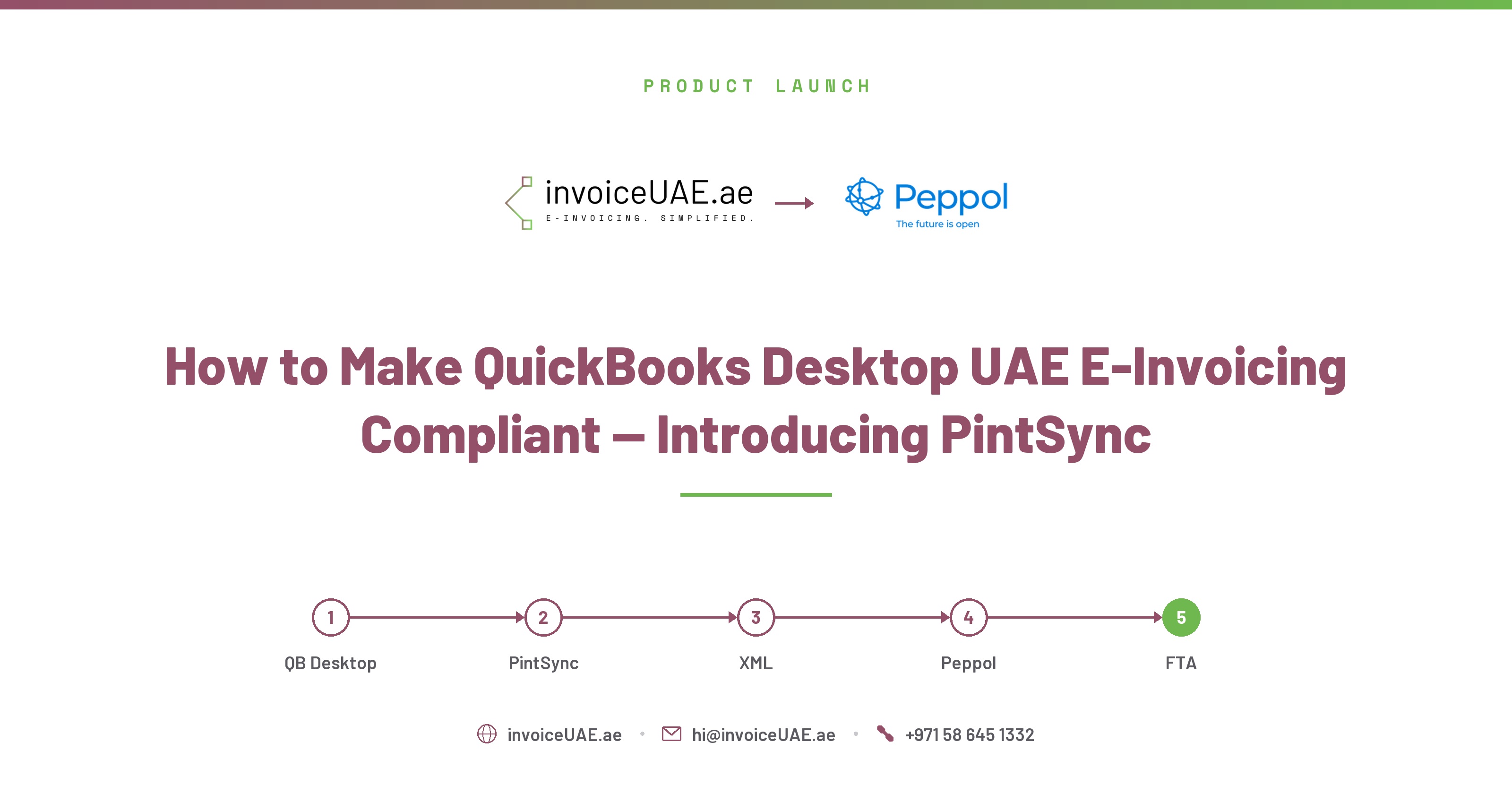
QuickBooks Desktop has no native UAE Peppol support. Here's exactly how PintSync closes that gap — without migrating to QuickBooks Online.
Does QuickBooks Desktop support UAE e-invoicing? No — not natively. QuickBooks Desktop (Pro, Premier, or Enterprise) has zero built-in support for UAE Peppol PINT-AE e-invoicing. PintSync by InvoiceUAE closes that gap: it installs on the same Windows PC as QuickBooks Desktop and connects it to UAE FTA-approved ASPs, without requiring migration to QuickBooks Online.
QuickBooks Desktop was never built with UAE Peppol compliance in mind — it has no concept of PINT-AE XML, no ASP connection, and no UAE-specific tax category codes. The advice most QuickBooks Desktop users hear is to migrate to QuickBooks Online, where third-party connectors exist. That advice is technically unnecessary and operationally disruptive for a business that has years of transaction history and a team trained on the Desktop interface.
| What QuickBooks Desktop Provides | What UAE PINT-AE Requires (and QB Desktop Doesn't) |
|---|---|
| Invoice number, date, line items, VAT amounts | Peppol Participant ID, UAE VAT category codes (S/Z/E/AE) |
| Seller name and address (free text) | Structured address fields, emirate code, country code |
| Basic tax percentage on line items | UN/CEFACT unit codes, HS codes, tax point date |
| No XML export in any Peppol format | SBDH envelope + UBL 2.1 PINT-AE XML, SHA-256 audit hash |
| No ASP connectivity | Direct submission to an FTA-approved ASP |
PintSync is a Windows desktop application, built by Infotree Computers LLC, that sits alongside QuickBooks Desktop and handles everything QuickBooks Desktop can't: PINT-AE XML generation, field validation, and ASP submission. It's read-only against your QuickBooks company file (.QBW) — it never writes to, modifies, or interferes with your QuickBooks data.
| Step | What Happens |
|---|---|
| Install | PintSync installs on your Windows PC in under 10 minutes, runs silently as a background service |
| Validate | AI validator scores every invoice 0-100 against all mandatory PINT-AE fields before submission |
| Submit | PintSync generates compliant PINT-AE XML and submits directly to your FTA-approved ASP, with instant confirmation |
Want the full technical breakdown? See the complete PintSync product page — supported software, field coverage, and system requirements.
View the PintSync Page →Most QuickBooks Desktop businesses complete the full process — audit through go-live — in 4-8 weeks. The longest phase is almost never the technical setup; it's collecting TRNs from customers who haven't provided one before.
PintSync is built by Infotree Computers LLC, a Dubai-based technology firm with experience implementing QuickBooks, Sage, Odoo, and ERP solutions for UAE and GCC businesses. Infotree is a Certified QuickBooks ProAdvisor and works alongside an affiliated Odoo Gold Partner, with presence in Dubai UAE, Riyadh Saudi Arabia (via NetGulfIT), and Bhubaneswar India.
| Business Category | ASP Appointment Deadline | Mandatory Go-Live |
|---|---|---|
| Revenue ≥ AED 50 million | 30 October 2026 | 1 January 2027 |
| All other VAT-registered SMEs | 31 March 2027 | 1 July 2027 |
| Voluntary pilot phase | Open from 1 July 2026 | No penalty period |
Penalty for non-compliance under Cabinet Decision No. 106 of 2025: AED 100 per non-compliant invoice, capped at AED 5,000 per month. See our full penalties guide for the complete breakdown.
Ready to get started? Book a free demo to see it in action.
Book a Demo →No. QuickBooks Desktop has no built-in support for UAE Peppol PINT-AE e-invoicing. PintSync adds this capability without requiring migration to QuickBooks Online.
No. PintSync connects QuickBooks Desktop directly to UAE FTA-approved ASPs, reading your existing company file without modifying it. Your team's workflow stays exactly as it is.
Installation itself takes under 1 hour. Full implementation — including TRN collection, field mapping, and pilot testing — typically takes 4-8 weeks, with TRN collection usually being the longest phase.
PintSync is included with every InvoiceUAE plan starting at AED 299/month. There is no separate license fee or per-device charge. See the full PintSync page for pricing tiers and feature coverage.