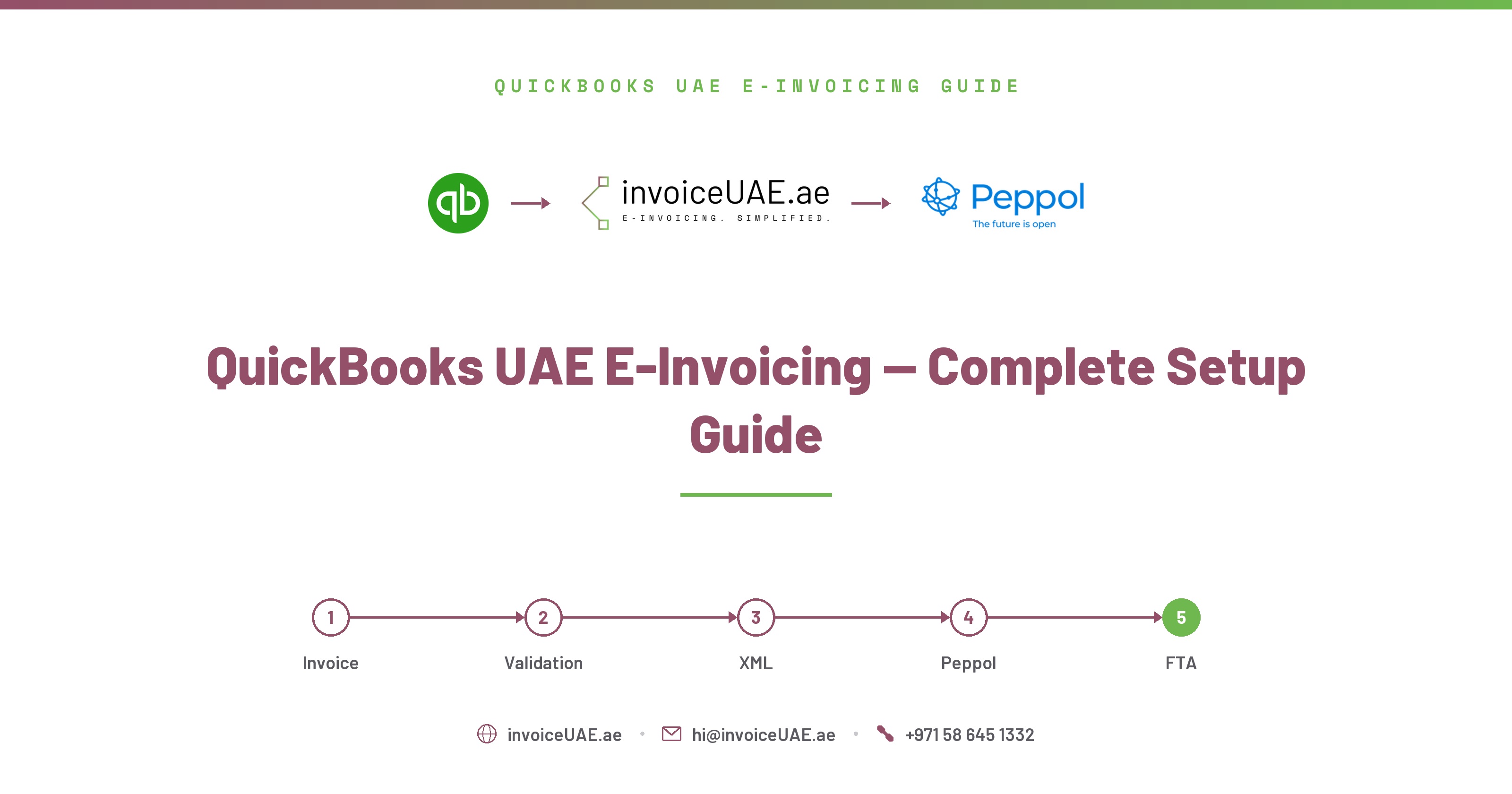
Everything you need to know about connecting QuickBooks Online to InvoiceUAE and automating your entire UAE Peppol e-invoicing workflow.
QuickBooks Online cannot generate FTA-compliant UAE e-invoices on its own — it has no Peppol PINT-AE XML engine, no ASP connection, and no way to report to the Federal Tax Authority. InvoiceUAE adds UAE FTA e-invoicing to QuickBooks Online seamlessly, as a layer on top of your existing account: your team keeps entering invoices and data in QuickBooks exactly as before — the integration runs in the background without changing your software or your day-to-day data entry.
If your business uses QuickBooks Online (QBO) and you're VAT-registered in the UAE, you need to submit e-invoices through the Peppol network as per UAE FTA requirements. The challenge? QuickBooks Online doesn't natively support UAE Peppol e-invoicing — it doesn't generate the required XML format, doesn't know about Emirates codes, and has no way to connect to an Accredited Service Provider (ASP) — and even where it does store a TRN natively, a known QBO API bug can silently truncate it.
That's exactly why we built InvoiceUAE — the bridge between your QuickBooks Online account and full UAE Peppol compliance. In this guide, we explain how it all works, what features we've built, and how you can get fully compliant in under 15 minutes.
The problem with QBO and UAE e-invoicing, how Infotree bridges the gap, all platform features explained, step-by-step setup guide, and common questions answered.
On QuickBooks Desktop or Premier specifically, or need help choosing an ASP? See our dedicated QuickBooks Desktop/Premier & ASP selection guide.
InvoiceUAE is built by Infotree Computers LLC, a Dubai-based technology firm that has been implementing QuickBooks, Sage 50, Tally, Sage 300, Zoho One and Zoho Books for UAE and GCC businesses for 14 years. Infotree is a Certified QuickBooks Partner and ProAdvisor, Authorized Zoho Partner, Authorized Sage Partner, and holds Odoo Gold Partner status at the Gold level through an affiliate partnership. The team operates from offices in Dubai (UAE), Saudi Arabia, and Bhubaneswar (India), and InvoiceUAE's ASP partner is TaxStar (FTA-approved).
QuickBooks Online Global is the most popular accounting software for UAE businesses. However, when it comes to UAE e-invoicing compliance, QBO has several critical gaps:
| Requirement | QuickBooks Online | InvoiceUAE |
|---|---|---|
| Generate Peppol PINT-AE XML | Not supported | Automatic |
| SBDH envelope format | Not supported | Built-in |
| UAE TRN field per customer | Native field, but API truncation bug | Dedicated field with auto-correction |
| Emirate code (AD/DU/SH etc.) | Not supported | Auto-fill |
| Submit to UAE ASP | Not possible | One click |
| Supply type (Goods/Services) | Not supported | Per invoice |
| Tax category (S/Z/E/O) | Not supported | Per line item |
| Automatic sync | Manual export | Real-time OAuth |
| Audit trail for FTA | Limited | Immutable logs |
On that TRN row: QuickBooks Online Global (the UAE edition) does store the buyer's TRN natively, in its PrimaryTaxIdentifier field — but a known QBO API bug can silently truncate it, dropping the first 4 digits of the 15-digit number. Infotree's Customer Master catches this automatically and lets you correct it once per customer, rather than finding out at ASP submission time.
Some businesses try to export invoices from QBO as CSV and manually create XML. This approach is error-prone, time-consuming, and risks FTA penalties from formatting errors. Infotree's direct API connection eliminates this entirely.
InvoiceUAE connects directly to your QuickBooks Online account via OAuth 2.0 — the same secure standard used by banks and enterprise software. We pull your invoices automatically, enrich them with UAE compliance data, generate perfect Peppol XML, and submit to your chosen ASP.
You keep creating invoices in QuickBooks Online exactly as you always have. Infotree handles everything else automatically in the background — syncing, enriching, generating XML, and submitting to ASP.
Getting from QBO to fully compliant Peppol e-invoicing takes less than 15 minutes:
Book a demo at invoiceuae.ae — our team will onboard your company using your company name, UAE TRN, and address.
2 minutesGo to Settings → QBO Integration → Connect QuickBooks. You'll be redirected to Intuit's secure OAuth page. Login to your QBO account and click Authorize. That's it — connection is live. Infotree uses QuickBooks' official OAuth 2.0 API, so no passwords are shared, and the connection is read-only for invoices and customers.
2 minutesClick Sync Now to pull all your existing invoices, credit notes, and customers from QBO into Infotree. For new invoices, enable Auto-Sync to pull them automatically on your chosen schedule — Infotree auto-syncs every 30 minutes by default, and you can trigger a manual sync for any single invoice using the Re-sync button on its row.
1-3 minutesGo to Customer Master and add TRN, Emirate, and address for each customer. Use the Bulk Editor to update multiple customers at once like a spreadsheet. This is a one-time setup per customer. UAE Peppol requires the full 15-digit TRN — customers with a shorter, truncated TRN are flagged with a warning icon; fix these individually or use Import TRNs → Upload CSV for bulk correction.
5-10 minutesFor each invoice, set Supply Type (Goods/Services/Mixed), Tax Category (S/Z/E/O), and Payment Means. Use the Bulk Editor to update multiple invoices at once. Infotree validates all required fields before allowing submission.
Per invoice or bulkGo to ASP Integration settings and select your UAE FTA-approved ASP from the list. Enter your ASP API URL and API Key (provided by your ASP), plus your Sender and Receiver Peppol IDs. While you're here, confirm your company's Peppol Participant ID (format: 0235:<10-digit TIN> — 0235 is the UAE Peppol Scheme ID, and the TIN is the first 10 digits of your 15-digit TRN) is set correctly under Company Settings. Test the connection. You can start in Mock mode to test without sending real submissions.
Select your enriched invoices and click Validate — the AI Validator checks all 30+ PINT-AE mandatory fields and gives you a compliance score; scores above 70 are clear to submit. Click Generate XML to preview the Peppol PINT-AE XML, then Submit to ASP. Infotree sends the XML, receives the ASP response, and notifies you by email and WhatsApp.
One clickTurn on Auto-Sync and Auto-Submit in Automation settings. From now on, new invoices from QBO will be automatically synced, XML generated, and submitted to ASP — fully hands-free compliance.
1 minute setup, saves hours forever| Issue | Fix |
|---|---|
| QBO connection fails | Check that your QBO account has Admin access. Only Admin users can authorise third-party apps. |
| Invoices not syncing | Check the invoice date range. Infotree pulls invoices from the last 12 months by default. |
| TRN shows as 11 digits | QBO Global sometimes truncates TRNs. Use the Enrich button or CSV import to fix manually. |
| ASP connection refused | Verify the ASP API URL and key — they are case-sensitive. Contact your ASP for a fresh key if expired. |
Once set up, Infotree can run your entire e-invoicing workflow automatically:
For a deeper walkthrough of these automation options, see our auto-sync configuration tips and our guide to bulk invoice submission for clearing a backlog quickly.
| Feature | Starter | Business | Enterprise |
|---|---|---|---|
| Invoices per month | 100 | 500 | Unlimited |
| Team users | 1 | 3 | 10 |
| QBO OAuth connection | ✓ | ✓ | ✓ |
| Auto-sync from QBO | ✓ | ✓ | ✓ |
| XML generation | ✓ | ✓ | ✓ |
| ASP submission | ✓ | ✓ | ✓ |
| Bulk XML + submit (50) | ✗ | ✓ | ✓ |
| Bulk Editor | ✗ | ✓ | ✓ |
| VAT Return pre-fill | ✓ | ✓ | ✓ |
| API Access | ✓ | ✓ | ✓ |
| Priority support | ✗ | ✓ | ✓ |
| Dedicated onboarding | ✗ | ✗ | ✓ |
Not sure if your accounting system is ready for UAE e-invoicing? Contact Infotree for a GAP Analysis and System Impact Assessment — we'll map exactly where your QuickBooks Online setup stands against PINT-AE requirements before your ASP deadline. Have other accounting-related issues or e-invoicing compliance questions? Contact us — we're happy to help.
Request a Free GAP Analysis →Need hands-on help? Contact Infotree for QuickBooks Online e-invoicing implementation — from ASP selection to go-live testing, our team handles the full setup.
Contact Us for QuickBooks Online Implementation →Yes — Infotree is specifically built for QuickBooks Online Global, which is the version used by most UAE businesses. We connect via QBO's standard OAuth 2.0 API which works with all QBO Global accounts.
No. You keep using QuickBooks Online exactly as you always have. Infotree reads your data via the API — you don't need to install anything in QBO, change any settings, or modify your existing invoices.
For B2C (business to consumer) invoices, TRN is not required. For B2B invoices, your customer's TRN is mandatory. Infotree's compliance validator will flag any B2B invoice missing a TRN before submission.
Yes. Credit notes (Peppol type 381) are fully supported. They sync automatically from QBO credit memos, can be enriched, and submitted to ASP. Credit notes are also included in the VAT Return pre-fill calculation. One thing to know: PINT-AE has no debit note document type at all — a VAT increase requires a new Tax Invoice (type 380) under Article 62(1) of the UAE VAT Law, not a debit note. See our complete credit notes guide for the full explanation.
Very secure. We use OAuth 2.0 — we never store your QBO password. The access tokens we receive are encrypted with AES-256-CBC before being stored in our database. You can revoke access at any time from QBO settings.
We support all UAE FTA-approved Accredited Service Providers. You choose your ASP in our settings, enter your ASP credentials, and we handle all the XML transmission. We also offer a Mock mode for testing without real submissions.
Yes — Infotree connects your QuickBooks data to an ASP, but doesn't replace the ASP itself. You'll need an account with an FTA-accredited ASP first; see our guide to choosing one if you haven't picked one yet.
For a business with clean customer data, connecting QBO, running the first sync, and configuring company/ASP settings typically takes under 15 minutes. Most of the time in a first setup goes to fixing incomplete customer TRNs, not the connection steps themselves.
Your ASP issues this as part of onboarding — it's not something you generate yourself. Contact your ASP if you haven't received one.
Yes — keep Mock mode ON in ASP Integration settings while you test the connection, TRN enrichment, and XML generation steps. Only switch it off once you're ready to submit real invoices.
See our ASP selection guide if you haven't chosen one yet, and our penalties guide for what's at stake if you miss your go-live date.
Book a free demo. Connect your QuickBooks in 2 minutes and submit your first compliant Peppol invoice today.
Book a Demo →