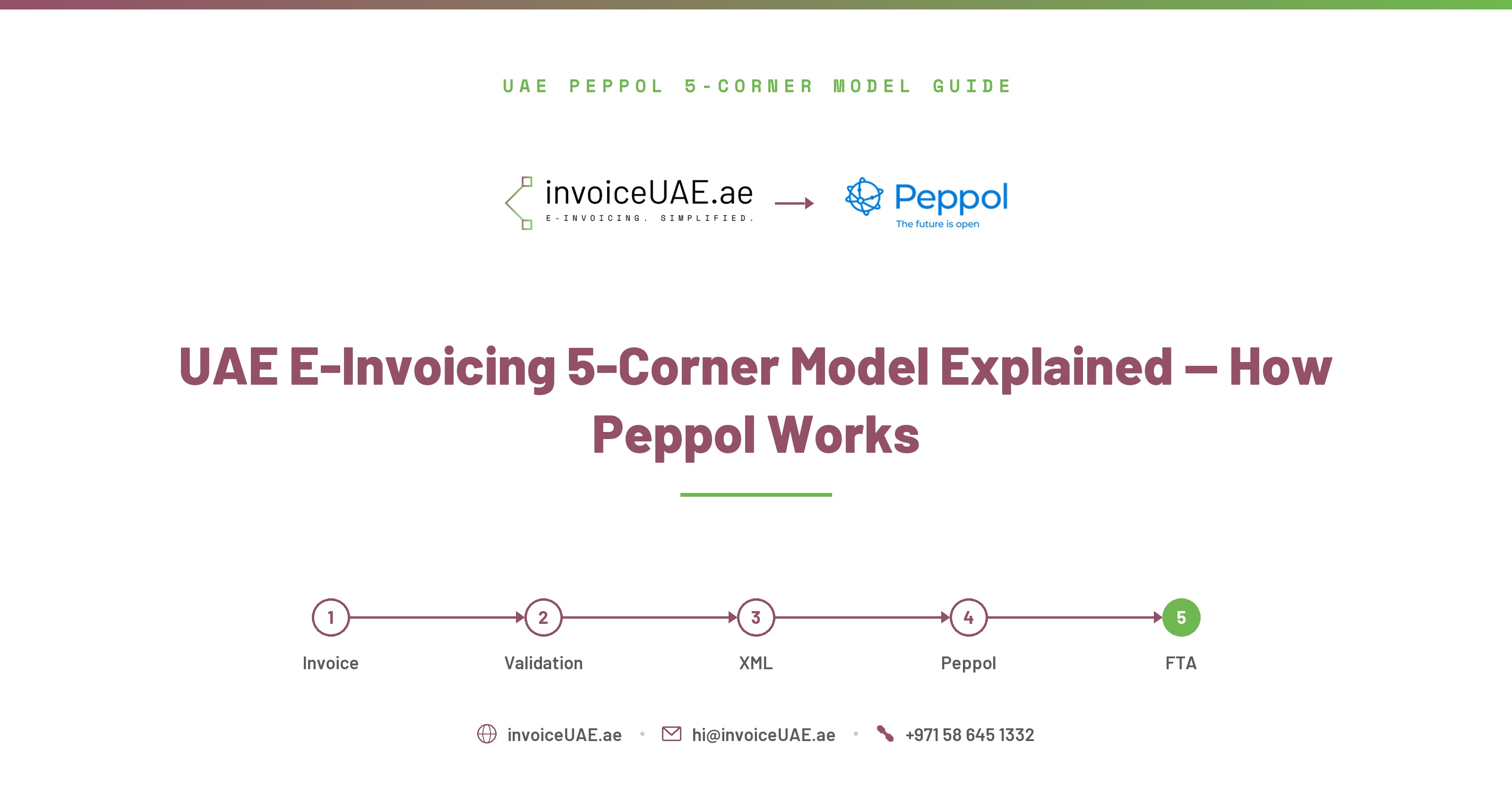
A clear, practical explanation of how the UAE Peppol 5-Corner Model routes invoices from your accounting software through your ASP to your buyer and the FTA — with specific guidance for QuickBooks, Sage 50, Dynamics 365, and Odoo users.
InvoiceUAE is built by Infotree Computers LLC, a Dubai-based technology firm that has been implementing QuickBooks, Sage 50, Sage 300, Zoho One and Zoho Books for UAE and GCC businesses for 14 years. Infotree is a Certified QuickBooks ProAdvisor, Authorized Zoho Partner, Authorized Sage Partner, and holds Odoo Gold Partner status at the Gold level through an affiliate partnership. The team operates from offices in Dubai (UAE), Saudi Arabia, and Bhubaneswar (India), and InvoiceUAE's ASP partner is TaxStar (FTA-approved).
The UAE Peppol 5-Corner Model is the invoice transmission framework mandated by the UAE Ministry of Finance. Every B2B invoice must travel from your accounting software (Corner 1) through your FTA-approved ASP (Corner 2), which transmits it across the Peppol network to your buyer's ASP (Corner 3), which delivers it to your buyer's accounting system (Corner 4), with a real-time copy sent to the FTA (Corner 5).
Understanding the 5-Corner Model matters because it explains exactly what InvoiceUAE and your ASP are doing on your behalf — and why a PDF invoice attached to an email can never satisfy the mandate, no matter how quickly it's sent. Each corner is a distinct, separately regulated participant in the chain.
The UAE chose Peppol because it is an internationally proven, decentralised network already operating across Europe, Australia, Singapore, and Malaysia. The UAE version — called PINT-AE (Peppol International Invoice UAE Edition) — adapts the global standard with UAE-specific mandatory fields including TRN, VAT category codes, and emirate codes.
The Peppol model means businesses in different countries can exchange structured invoices using a common format — relevant for UAE businesses trading internationally, since the same underlying network already carries invoices for thousands of businesses across other Peppol-enabled jurisdictions.
Your accounting software (QuickBooks, Sage 50, Dynamics 365, Odoo) is Corner 1. It generates the invoice data — amounts, customer details, line items, VAT. This is the only corner your team interacts with directly. Everything else happens automatically through InvoiceUAE and your ASP.
What QuickBooks, Sage 50, Dynamics 365 and Odoo do at Corner 1:
What they CANNOT do at Corner 1 (needs InvoiceUAE):
Your ASP is Corner 2 — the certified intermediary that receives your invoice data from InvoiceUAE, converts it to PINT-AE XML, validates all 51 mandatory fields, digitally signs the invoice, assigns a unique UUID, and transmits it across the Peppol network to your buyer's ASP. InvoiceUAE partners with TaxStar (FTA-approved ASP) and can also work with your own FTA-approved ASP if you already have one.
What happens at Corner 2:
Corner 3 is your buyer's FTA-approved ASP (or, for cross-border trade, the equivalent Peppol Access Point). It receives the PINT-AE XML invoice after it travels across the UAE Peppol network from your ASP, verifies it, and forwards it into your buyer's accounting system. This is how your buyer receives a compliant, structured invoice — not via email, not as a PDF attachment.
Your buyer needs an FTA-approved ASP appointed for Corner 3 to work. Once both sender and receiver have appointed ASPs, the full 5-Corner Model operates automatically. The buyer's ASP:
Corner 4 is your buyer — specifically, the accounting or ERP system that receives the invoice from their ASP (Corner 3) and processes it. This is the buyer-side mirror of Corner 1: just as your software only generates data at Corner 1, your buyer's software only receives and processes data at Corner 4, with their own ASP handling everything in between.
The FTA receives a near real-time copy of every B2B invoice transmitted through the UAE Peppol network at Corner 5. This means every non-compliant invoice issued after your mandatory go-live date is automatically visible to the FTA — there is no grace period for undetected non-compliance.
Corner 5 is the UAE-specific addition to the standard international Peppol model — it's what makes the UAE's implementation a "5-corner" Continuous Transaction Control (CTC) model rather than the plain 4-corner model used for cross-border trade elsewhere. The FTA copy enables:
This is why PDF invoices emailed to buyers are not just technically non-compliant — they are also invisible to the FTA, which means the FTA has no record of the transaction on its side. Businesses that continue emailing PDFs after their mandatory go-live date are creating a growing audit exposure with every invoice.
Your team creates and confirms a B2B invoice in QuickBooks Online or QuickBooks Desktop.
Via OAuth 2.0 API (QBO) or PintSync Windows App (QB Desktop).
InvoiceUAE adds buyer Peppol Participant ID, emirate code, supply type, UN/CEFACT unit codes.
Scores the invoice 0-100 — flags any missing or incorrect PINT-AE fields before submission.
TaxStar or your ASP receives the enriched data, converts to PINT-AE XML (SBDH + UBL 2.1), assigns UUID, digitally signs.
Your ASP transmits across the UAE Peppol network (DCTCE) — your buyer's ASP receives it at Corner 3 and forwards it into their accounting system at Corner 4.
The FTA receives a real-time copy at Corner 5.
The InvoiceUAE dashboard updates — acceptance confirmation sent to your team via email and WhatsApp.
QuickBooks Desktop (Pro, Premier, Enterprise) handles Corner 1 exactly like any other accounting software — it generates invoice data. The challenge for QuickBooks Desktop users is that the Corner 1-to-Corner 2 connection requires a desktop connector since QuickBooks Desktop has no cloud API. PintSync by InvoiceUAE is that connector — a Windows application that reads from your QuickBooks Desktop company file (.QBW) and passes data to InvoiceUAE for Corner 2 processing. Available now. No migration to QuickBooks Online required.
Sage 50 (Peachtree) users connect at Corner 1 via PintSync Windows App or structured CSV export. The same enrichment, validation, and ASP submission process runs identically regardless of whether the source is QuickBooks Desktop or Sage 50 — InvoiceUAE normalises the data format before Corner 2. See our Sage 50 integration details →
Microsoft Dynamics 365 users connect at Corner 1 via InvoiceUAE's OData REST API integration, authorized through Azure AD OAuth. The same enrichment, validation, and ASP submission process runs identically to other platforms — InvoiceUAE pulls invoice data directly from your Dynamics 365 tenant and normalises it before Corner 2. See our Dynamics 365 integration details →
Odoo self-hosted users connect via REST API or CSV export. Odoo cloud users connect via InvoiceUAE's direct API integration. The 5-Corner flow is identical — Odoo generates invoice data at Corner 1, InvoiceUAE handles Corner 2, and TaxStar or your ASP handles Corners 3 through 5. See our full list of supported integrations →
InvoiceUAE connects your QuickBooks, Sage 50, Dynamics 365, or Odoo to the UAE Peppol 5-Corner network via TaxStar or your own FTA-approved ASP. Free 15-day trial.
Book a Demo →The UAE Peppol 5-Corner Model is the FTA-mandated invoice transmission framework requiring every B2B invoice to travel from your accounting software (Corner 1) through your FTA-approved ASP (Corner 2), across the UAE Peppol network to your buyer's ASP (Corner 3), into your buyer's accounting system (Corner 4), with a real-time copy delivered to the FTA (Corner 5).
Your accounting software — QuickBooks, Sage 50, Dynamics 365, or Odoo — only handles Corner 1. It generates the invoice data: amounts, customer details, line items, and VAT. InvoiceUAE and your ASP (TaxStar or your own) handle Corners 2 through 5 automatically, so you never interact with the Peppol network directly.
No. PDF invoices emailed to buyers are not legally valid B2B invoices after your mandatory go-live date. Only PINT-AE XML transmitted through the UAE Peppol network satisfies the mandate — a PDF alone does not reach Corner 5, so the FTA has no record of the transaction.
If your buyer has not appointed an ASP for Corner 3, invoices are held until they do. Both sender and receiver need an FTA-approved ASP for the 5-Corner Model to function — this is one reason compliance deadlines matter across the whole business network, not just for your own company.
The FTA receives a near real-time copy of every B2B invoice transmitted through the Peppol network at Corner 5. This enables automated VAT reconciliation and means any non-compliant invoice issued after your mandatory go-live date is visible to the FTA immediately — there is no undetected grace period.
QuickBooks Desktop has no cloud API, so it connects to Corner 2 via PintSync — a Windows desktop application by InvoiceUAE that reads directly from your QB Desktop company file and passes the data to InvoiceUAE for enrichment and ASP submission. PintSync is available now; no migration to QuickBooks Online is required.
DCTCE stands for Decentralized Continuous Transaction Control and Exchange — the official name for the UAE's Peppol-based e-invoicing model as a whole, not a single corner. It's the secure routing infrastructure that carries PINT-AE XML from your ASP (Corner 2) to your buyer's ASP (Corner 3), while the "continuous" part refers to the FTA (Corner 5) receiving a real-time copy of every transaction rather than periodic batch reporting.
Yes. Your buyer needs an FTA-approved ASP appointed (Corner 3) to receive PINT-AE XML invoices through the Peppol network and forward them into their accounting system (Corner 4). Without this, the invoice cannot complete the 5-Corner flow and delivery is held until your buyer's ASP is active.

Ashish Singh is a UAE E-Invoicing specialist and Software Consultant at Infotree Computers LLC, Dubai, with 5+ years helping SMEs and enterprises implement FTA-compliant workflows. A QuickBooks ProAdvisor (Silver) with hands-on expertise across Zoho, QuickBooks, Odoo, Xero, and Sage, he built the InvoiceUAE platform to simplify Peppol PINT-AE compliance for businesses across the UAE and Middle East.