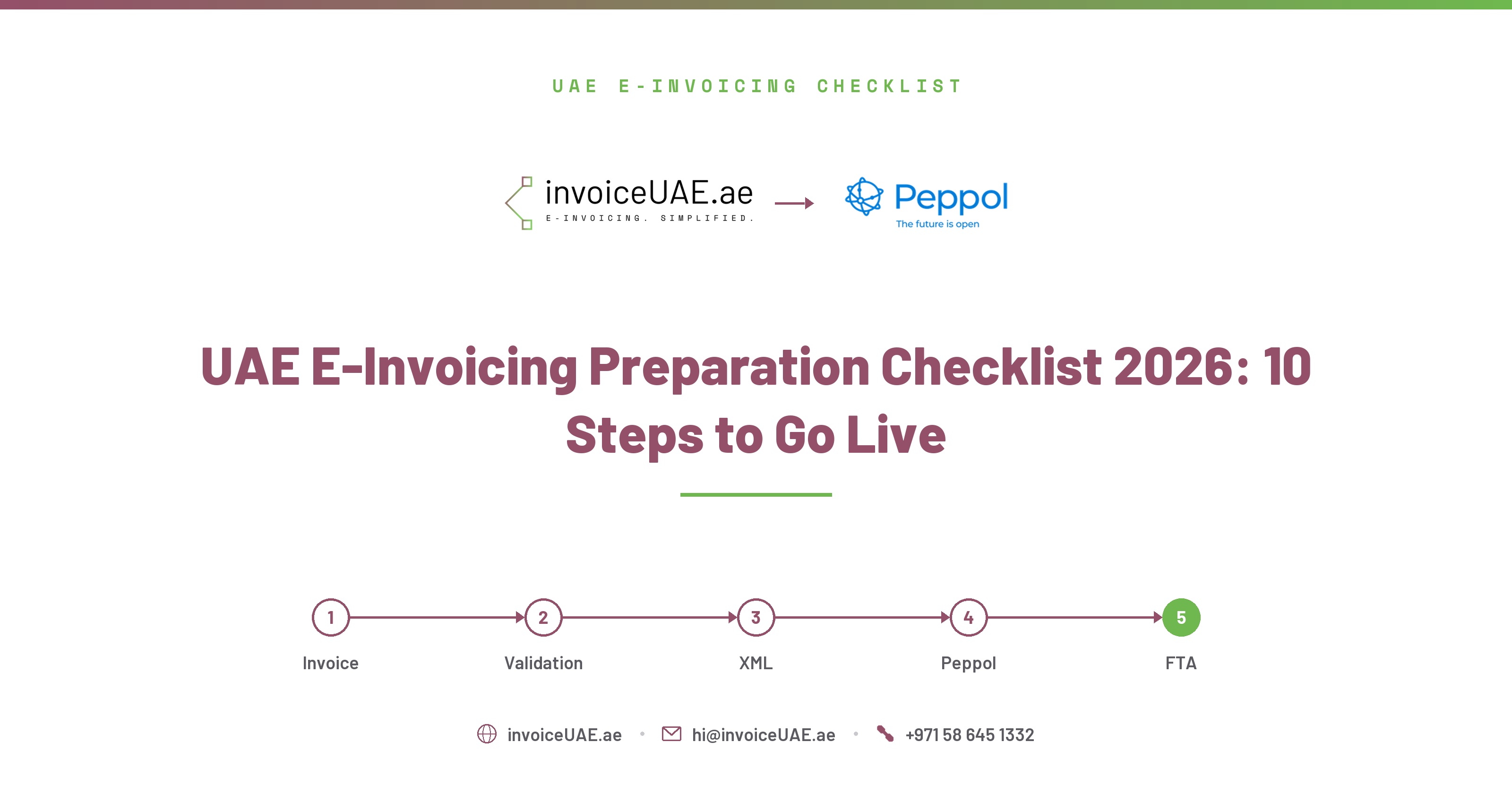
The UAE e-invoicing mandate changes how invoices are created, validated, exchanged, and reported. Here is the complete 10-step checklist to get your business live — with deadlines, data requirements, and practical Infotree shortcuts at each step.
InvoiceUAE is built by Infotree Computers LLC, a Dubai-based technology firm that has been implementing QuickBooks, Sage 50, Sage 300, Zoho One and Zoho Books for UAE and GCC businesses for 14 years. Infotree is a Certified QuickBooks ProAdvisor, Authorized Zoho Partner, Authorized Sage Partner, and holds Odoo Gold Partner status at the Gold level through an affiliate partnership. The team operates from offices in Dubai (UAE), Saudi Arabia, and Bhubaneswar (India), and InvoiceUAE's ASP partner is TaxStar (FTA-approved).
UAE e-invoicing is not a system upgrade — it is a structural change to how B2B invoicing works in the UAE. Invoices must be issued, validated, and exchanged in structured PINT-AE XML format through an FTA-approved Accredited Service Provider (ASP). PDF invoices, even if delivered electronically, will not satisfy the mandate.
Businesses with annual revenue of AED 50 million or more must appoint an ASP by 30 October 2026 (extended from 31 July 2026) and go live by 1 January 2027. The penalty for non-compliance is AED 5,000 per month. This checklist walks you through every step needed to avoid that penalty.
Determine which of your transactions fall under the mandate. UAE e-invoicing applies to B2B and B2G transactions regardless of whether you are VAT-registered. B2C transactions are currently excluded. Also review transactions that need careful analysis: intra-group supplies, exports, deemed supplies, and exempt transactions (financial services, certain airline operations, sovereign government activities).
Infotree: Use the transaction scope filter in your dashboard to exclude B2C invoices from submission automatically.The supplier (your business) remains responsible for invoice accuracy and VAT calculation. The ASP handles transmission, validation, UUID generation, routing, and participant identifier lookup. Your business must: obtain buyer TRN identifiers, define error handling ownership, and assign responsibility for resubmission when a rejection occurs. Document this clearly before go-live.
Infotree: Role-based user access lets you assign finance staff to invoice review and IT to system configuration separately.Audit your current accounting or ERP system for compliance gaps. Key gaps to check: missing customer TRNs (the #1 cause of rejection), incorrect tax category codes, inconsistent invoice numbering, missing emirate codes for buyer and seller addresses, and non-XML invoice output. Build a data remediation plan before integration to avoid a flood of rejections on day one.
Infotree: Run a pre-flight data check from your dashboard — it scans your customer list for missing TRNs and flags records that will cause rejections before you submit a single invoice.Select an ASP from the FTA's approved provider list and formally appoint them. Key selection criteria: data residency in UAE, API availability for your accounting software, rejection handling quality, pricing model (per-invoice vs. subscription), and customer support hours. Deadline: 30 October 2026 (extended from 31 July 2026) if your revenue exceeds AED 50 million.
Infotree: Works with multiple FTA-approved ASPs — you choose your ASP and Infotree handles the API integration automatically.Your ERP or accounting software must connect to the ASP via API. Verify API availability, data mapping compatibility, PINT-AE XML format support, and that your invoice data will remain accessible and reproducible for FTA audit purposes. For cloud software (QuickBooks, Zoho Books, Xero), OAuth 2.0 integration is the fastest path. For desktop/on-premise systems (QuickBooks Desktop, Sage 50, Sage 300, Sage X3), a connector agent or CSV/XML export approach may be required.
Infotree: One-click OAuth connection for QBO, Zoho Books, and Xero. PintSync for QuickBooks Desktop and Sage 50. REST API for Sage 300, Sage X3, Odoo, and Dynamics 365.The people who create invoices, process payments, and handle IT must understand the new workflow. Finance teams need to know: how to add buyer TRNs to new customers, how to read validation responses, and how to issue corrective credit notes in XML format. IT teams need to know: how to manage the ASP API credentials, monitor the submission queue, and escalate persistent errors. Operations teams need to know: who to contact when a buyer rejects an invoice.
Infotree: Free onboarding calls and documentation for your team included with every account.Testing is not optional. Run test invoices through the complete chain: invoice creation → PINT-AE XML generation → ASP validation → Peppol exchange → FTA reporting. Cover all your transaction scenarios: standard sales, zero-rated exports, exempt supplies, credit notes, and multi-line invoices with mixed tax categories. Resolve every error in the test environment — the same errors will appear in production if not fixed now.
Infotree: Sandbox test mode lets you submit test invoices to your ASP's test environment without affecting your real VAT data.After go-live, you need real-time visibility into invoice submission status. Set up alerts for validation failures so errors are caught within minutes, not days. Assign a named owner for error resolution — a backlog of unresolved rejections becomes a compliance gap. Define your SLA for fixing and resubmitting rejected invoices (best practice: same business day).
Infotree: Dashboard shows submission status for every invoice. Email alerts trigger on rejection with the exact error code and a direct link to fix and resubmit.Register your ASP connection on the EmaraTax portal — this is the FTA's official portal for UAE tax compliance. During onboarding, you will receive a Peppol participant identifier (your unique address on the Peppol network). Without this identifier, invoices cannot be routed to or from your business through the Peppol five-corner model. Your ASP will guide you through the EmaraTax steps.
Infotree: We support you through the EmaraTax registration process with step-by-step guidance specific to your ASP.Going live is not the end. You must continuously monitor: submission status and validation results, FTA reporting confirmations, regulatory updates from the FTA (field requirements may evolve in the first year), and any business changes that affect scope (new customers, new transaction types, new legal entities). Implement a controlled change process so software updates do not break your e-invoicing integration without warning.
Infotree: Monthly compliance summary reports, automatic schema updates when PINT-AE evolves, and a dedicated account manager for enterprise customers.| Field | Source | Common Gap |
|---|---|---|
| Seller TRN | Your UAE FTA VAT registration | Wrong format (must be 15 digits) |
| Buyer TRN | Customer master data | Missing for most B2B customers |
| Seller Emirate Code | Your company address | Missing or wrong format (AE-DU, AE-AZ, etc.) |
| Buyer Emirate Code | Customer billing address | Missing for most customers |
| Supply Type | Invoice line item classification | Not distinguished (goods vs. services) |
| Tax Category Code | Invoice tax settings | S/Z/E/O not mapped to accounting tax codes |
| UUID | Generated by ASP / Infotree | Not an issue — generated automatically |
InvoiceUAE guides you through every step — from ASP selection and data enrichment to end-to-end testing and live submission. Connect your accounting software in minutes. Book a free demo to get started.
Book a Demo →Not sure if your accounting system is ready for UAE e-invoicing? Contact Infotree for a GAP Analysis and System Impact Assessment — we'll map exactly where your setup stands against PINT-AE requirements before your ASP deadline. Have other accounting-related issues or e-invoicing compliance questions? Contact us — we're happy to help.
Request a Free GAP Analysis →Need hands-on help? Contact Infotree for UAE e-invoicing implementation — from ASP selection to go-live testing, our team handles the full setup, whichever accounting system or ERP you run.
Contact Us for E-Invoicing Implementation →The UAE FTA e-invoicing mandate requires all VAT-registered businesses issuing B2B or B2G invoices to generate structured PINT-AE XML invoices and exchange them through a Peppol-accredited ASP. For businesses with AED 50M+ revenue, this is mandatory from 1 January 2027, with ASP appointment required by 30 October 2026 (extended from 31 July 2026).
With InvoiceUAE, small businesses typically complete implementation in 1–2 weeks: 1–2 days to connect your accounting software, 3–5 days to enrich your customer master with TRNs and emirate codes, and 2–3 days for end-to-end testing. Large enterprises with complex ERP setups or many legal entities may need 4–8 weeks.
B2C transactions are currently outside the mandate scope. However, the FTA recommends that even B2C businesses prepare to receive e-invoices from their suppliers. Additionally, if your business issues any B2B invoices — even occasionally — those B2B transactions are in scope and require full compliance.
Invoices must be generated and exchanged in PINT-AE XML format (Peppol International Invoice — Arabian Emirates). This is based on UBL 2.1 but extended with UAE-specific fields. PDF invoices, even electronically delivered ones, do not satisfy the mandate.
Yes. The UAE pilot phase began on 1 July 2026 for voluntary participants. Early adoption allows you to work out integration issues, train your team, and build a track record with your ASP well before the mandatory deadline — reducing risk and demonstrating compliance commitment.

Ashish Singh is a UAE E-Invoicing specialist and Software Consultant at Infotree Computers LLC, Dubai, with 5+ years helping SMEs and enterprises implement FTA-compliant workflows. A QuickBooks ProAdvisor (Silver) with hands-on expertise across Zoho, QuickBooks, Odoo, Xero, and Sage, he specializes in Peppol PINT-AE compliance and ERP-to-ASP integration for businesses across the UAE and Middle East.