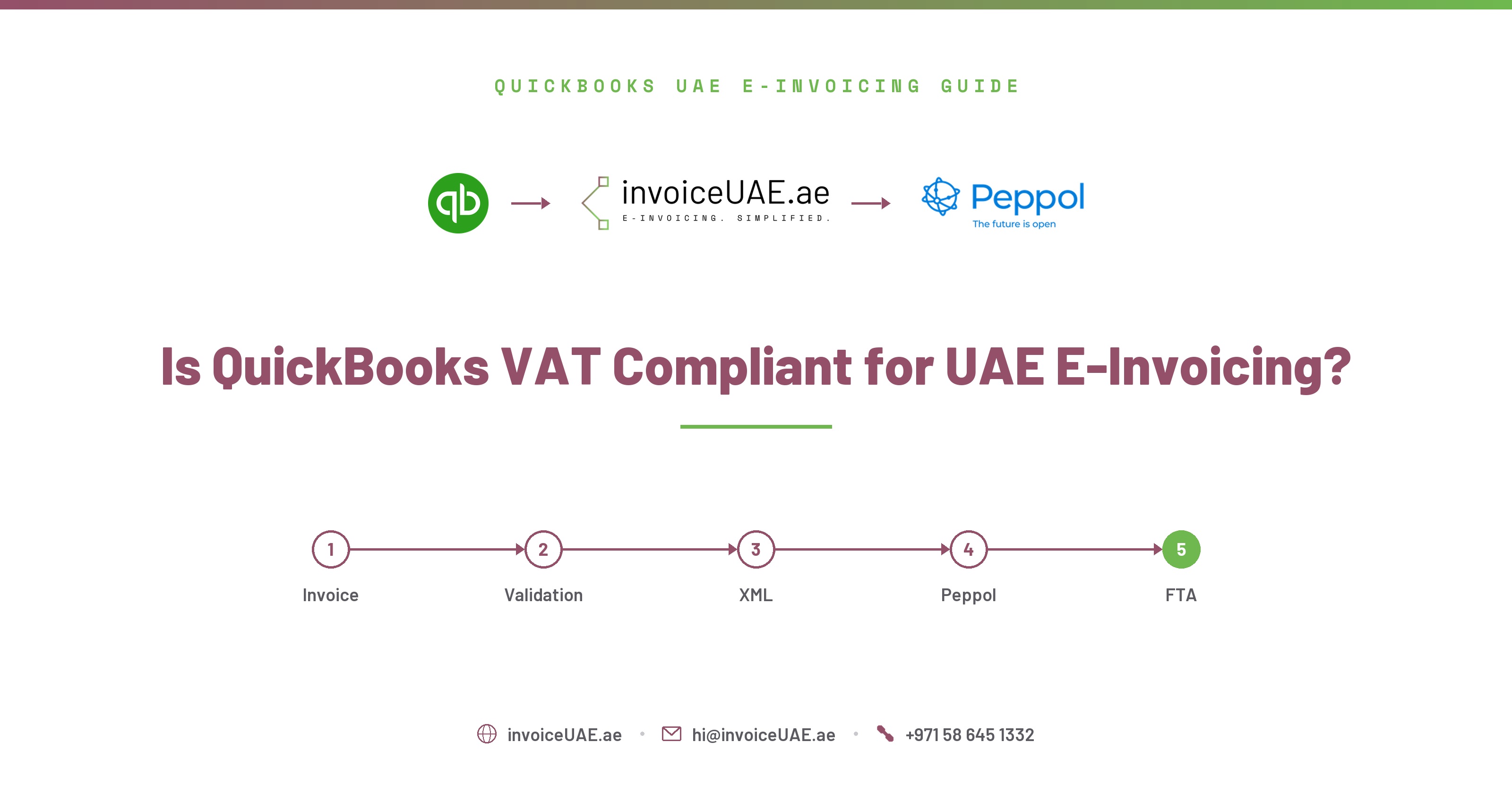
How to configure QuickBooks for UAE VAT, validate TRNs, and transition seamlessly to the new e-invoicing XML mandate.
By Ashish Singh, Founder of Infotree Computers LLC | Updated June 2026 | Read time: ~10 minutes
Quick answer: QuickBooks is fully compliant with the UAE VAT law for generating standard tax invoices, calculating tax codes, and export summaries. However, to meet the upcoming UAE e-invoicing mandate, standard tax setup is no longer enough. QuickBooks must be connected to an accredited Access Point Service Provider (ASP) to translate transactions into structured XML. Setup support and compliance updates are provided by InvoiceUAE by Infotree Computers LLC.
InvoiceUAE is built by Infotree Computers LLC, a Dubai-based technology firm that has been implementing QuickBooks, Sage 50, Sage 300, Zoho One and Zoho Books for UAE and GCC businesses for 14 years. Infotree is a Certified QuickBooks ProAdvisor, Authorized Zoho Partner, Authorized Sage Partner, and holds Odoo Gold Partner status at the Gold level through an affiliate partnership. The team operates from offices in Dubai (UAE), Saudi Arabia, and Bhubaneswar (India), and InvoiceUAE's ASP partner is TaxStar (FTA-approved).
Since the introduction of VAT in the UAE in 2018, the Federal Tax Authority (FTA) has enforced strict guidelines regarding tax invoice structures. A compliant tax invoice must contain specific textual components, including:
To ensure your QuickBooks instance calculates VAT correctly and prepares your business for e-invoicing integration, follow these tax settings checks:
Historically, emailing a PDF copy of an invoice was the standard way to bill customers in Dubai and the wider UAE. Once the new e-invoicing rules take effect, a PDF document alone will not satisfy compliance standards. Input VAT recovery will be contingent on the buyer receiving a verified, structured XML file via the Peppol network.
By integrating the InvoiceUAE connector, you can convert every invoice created in QuickBooks into a compliant PINT-AE XML schema. Your clients receive both the legal machine-readable XML file and a styled PDF copy for human readability.
Not sure if your accounting system is ready for UAE e-invoicing? Contact Infotree for a GAP Analysis and System Impact Assessment — we'll map exactly where your QuickBooks setup stands against PINT-AE requirements before your ASP deadline. Have other accounting-related issues or e-invoicing compliance questions? Contact us — we're happy to help.
Request a Free GAP Analysis →Need hands-on help? Contact Infotree for QuickBooks e-invoicing implementation — from ASP selection to go-live testing, our team handles the full setup.
Contact Us for QuickBooks Implementation →The FTA does not directly certify individual accounting software packages like QuickBooks. Instead, they enforce strict guidelines for tax invoice structures. By configuring your QuickBooks settings correctly and pairing it with a compliant connector, you achieve full compliance.
Standard QuickBooks does not feature a live UAE TRN validation tool. However, the InvoiceUAE integration scans synced customer databases in real-time, matching TRNs against FTA validation algorithms to check for incorrect numbers before submission.
Under the new mandate, businesses can only claim input tax credit (VAT refund) if they possess a valid, machine-readable e-invoice (XML format) successfully transmitted through the Peppol network. Visual PDFs alone will not be valid for tax deduction audit trails.
Your VAT calculation and tax invoices themselves stay valid, but once your mandatory go-live date passes, you'll be exposed to e-invoicing non-compliance penalties under Cabinet Decision No. 106 of 2025 — see our complete penalties guide for the fine breakdown.
No — QuickBooks Desktop has no cloud API and can't connect to an ASP directly, so it needs a manual export workaround or migration to QuickBooks Online. See our ERP Integration Guide for the full comparison.
Already have your VAT settings configured correctly? The remaining step is connecting to an FTA-approved ASP — InvoiceUAE handles that connection and the PINT-AE XML generation automatically.
Book a Demo →