If your UAE e-invoice bounced back from your ASP, it's almost always one of a short, fixable list of reasons. Here is exactly what causes a rejection, how to diagnose which one you hit, and how to stop it happening again.
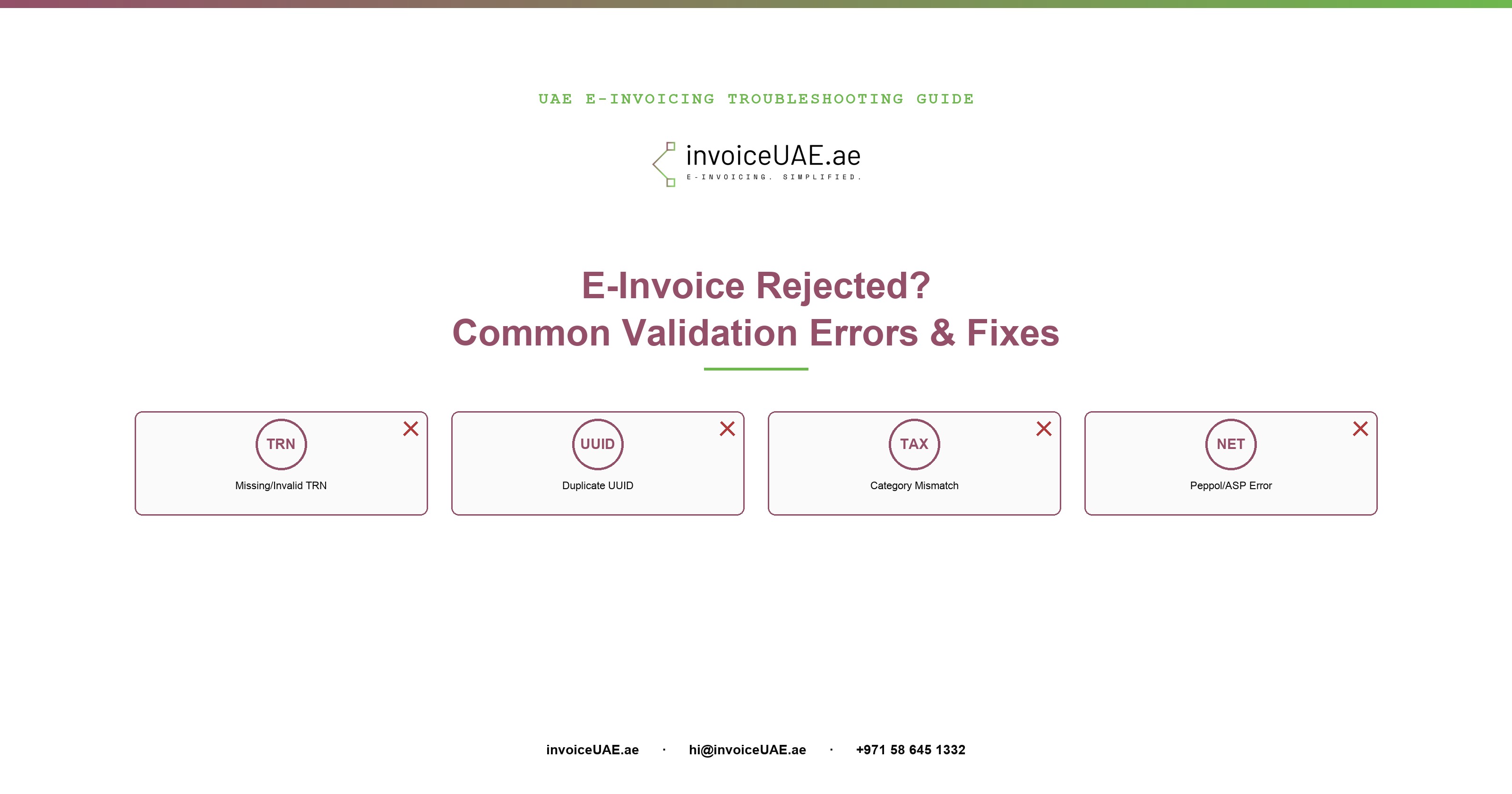
In practice, the vast majority of UAE PINT-AE invoice rejections trace back to one of five things: a missing or invalid buyer TRN, a generic line-item description that fails FTA business rules, a duplicate invoice UUID from a manual resubmission, a tax category code mismatch, or an ASP/Peppol network delivery error. None of these require guesswork — each one has a specific, identifiable fix.
InvoiceUAE is built by Infotree Computers LLC, a Dubai-based technology firm that has been implementing QuickBooks, Sage 50, Sage 300, Zoho One and Zoho Books for UAE and GCC businesses for 14 years. Infotree is a Certified QuickBooks ProAdvisor, Authorized Zoho Partner, Authorized Sage Partner, and holds Odoo Gold Partner status at the Gold level through an affiliate partnership. The team operates from offices in Dubai (UAE), Saudi Arabia, and Bhubaneswar (India), and InvoiceUAE's ASP partner is TaxStar (FTA-approved).
Before digging into each category, here's the full picture — what causes it, and where the problem actually sits in the pipeline:
| Rejection Cause | Where It's Caught | Typical Fix |
|---|---|---|
| Missing/invalid buyer TRN | ASP validation, before Peppol | Correct the TRN in your customer master |
| Generic line descriptions | ASP business-rule check | Use specific product/service names |
| Duplicate invoice UUID | ASP validation | Let your integration generate a fresh UUID per attempt |
| Tax category code mismatch | ASP validation | Re-map the line to the correct S/Z/E/O code |
| VAT totals don't reconcile | ASP validation | Check line-level tax math against the invoice total |
| ASP/network delivery error | Peppol exchange, after validation passes | Verify the buyer's Peppol Participant ID |
A missing or incorrectly formatted buyer Tax Registration Number is, by a wide margin, the most common reason a UAE e-invoice fails validation. For B2B transactions, the buyer's 15-digit TRN is a mandatory PINT-AE field — if it's blank, has the wrong number of digits, or doesn't match what's on file, the ASP rejects the invoice before it's even sent to the Peppol network.
Related emirate-code errors are common too: both the seller and buyer address must carry a valid UAE emirate code (e.g., AE-DU for Dubai, AE-AZ for Abu Dhabi). A missing or malformed emirate code produces the same category of rejection.
Every PINT-AE invoice carries a unique identifier (UUID). If an invoice gets resent — commonly after a manual retry following a timeout, or a double-click on "submit" — using the same UUID as a prior submission, the ASP rejects it as a duplicate rather than risk double-processing the same transaction.
Separately, the FTA's business-rule validation actively checks line-item descriptions. Generic text like "Goods," "Services," "Item 1," or a blank description will fail validation — the rule exists specifically to stop invoices with no real audit trail of what was sold.
Every invoice line must carry one of four PINT-AE tax category codes:
5% VAT applies. The most common category for ordinary taxable supplies.
0% VAT, but still a taxable supply — commonly exports and specific exempted categories.
No VAT charged, and the supply itself is outside the VAT system (e.g., certain financial services).
Not subject to UAE VAT at all — used rarely, for specific transaction types.
A rejection in this category usually means the wrong code was applied to a line (for example, marking an exempt supply as Standard), or that the tax amount on the line doesn't mathematically reconcile with the rate implied by the code. Checking your tax-code mapping table against actual product/service categories is the fastest way to catch this before it happens again.
These are a different category entirely — the invoice itself is usually valid, but it couldn't be delivered. The most common causes:
Most of these causes are one-time fixes, not recurring problems, once addressed at the source:
InvoiceUAE validates TRNs, emirate codes, and tax categories automatically before submission — catching the errors above before your ASP ever sees them. Book a free demo to see it on your own data.
Book a Demo →Getting a specific rejection you can't diagnose? Contact Infotree for a GAP Analysis — we'll trace the exact field or network issue causing it against your live ASP response. Have other accounting-related issues or e-invoicing compliance questions? Contact us — we're happy to help.
Request a Free GAP Analysis →Need hands-on help? Contact Infotree for UAE e-invoicing implementation — from ASP selection to go-live testing, our team handles the full setup, whichever accounting system or ERP you run.
Contact Us for E-Invoicing Implementation →A missing or invalid buyer TRN (the single most frequent cause), generic line-item descriptions like "Goods" or "Services," duplicate invoice UUIDs from manual resubmission, mismatched tax category codes, VAT totals that don't reconcile at line level, and ASP/Peppol network errors such as the buyer not being registered on the network.
Almost always because the buyer's 15-digit TRN is missing, incorrectly formatted, or doesn't match FTA records. It's a mandatory PINT-AE field for B2B invoices — without it, or with it mistyped, the ASP rejects the invoice before it reaches the Peppol network.
Yes. If an invoice is resent using the same UUID as a prior submission — common after a manual retry following a timeout — the ASP rejects it as a duplicate. Let your ASP integration generate a fresh UUID per attempt instead of resending the exact same payload.
Applying the wrong PINT-AE code to a line (S/Z/E/O) — for example marking an exempt supply as Standard — or a tax amount that doesn't mathematically match the rate implied by the code.
Your invoice is likely valid but couldn't be delivered. The most common cause is the buyer not being registered on Peppol yet, or their Participant ID being entered incorrectly — confirm it against the official Peppol Directory before resubmitting.
Our setup mistakes guide is a before-you-start checklist for businesses preparing to go live. This guide is for businesses already submitting invoices who've hit a specific rejection and need to diagnose the exact cause.

Ashish Singh is a UAE E-Invoicing specialist and Software Consultant at Infotree Computers LLC, Dubai, with 5+ years helping SMEs and enterprises implement FTA-compliant workflows. A QuickBooks ProAdvisor (Silver) with hands-on expertise across Zoho, QuickBooks, Odoo, Xero, and Sage, he specializes in Peppol PINT-AE compliance and ERP-to-ASP integration for businesses across the UAE and Middle East.